Tell Scout where to
Tap “Where to?” and pick a place nearby. Scout plans the rest.
Tap “Where to?” and pick a place nearby.

OtterWay plans your walk around traffic fumes and badly lit streets, then lets you choose: greener, safer or quicker. The beta is free, and every Pathfinder extra is unlocked while we build it with you.
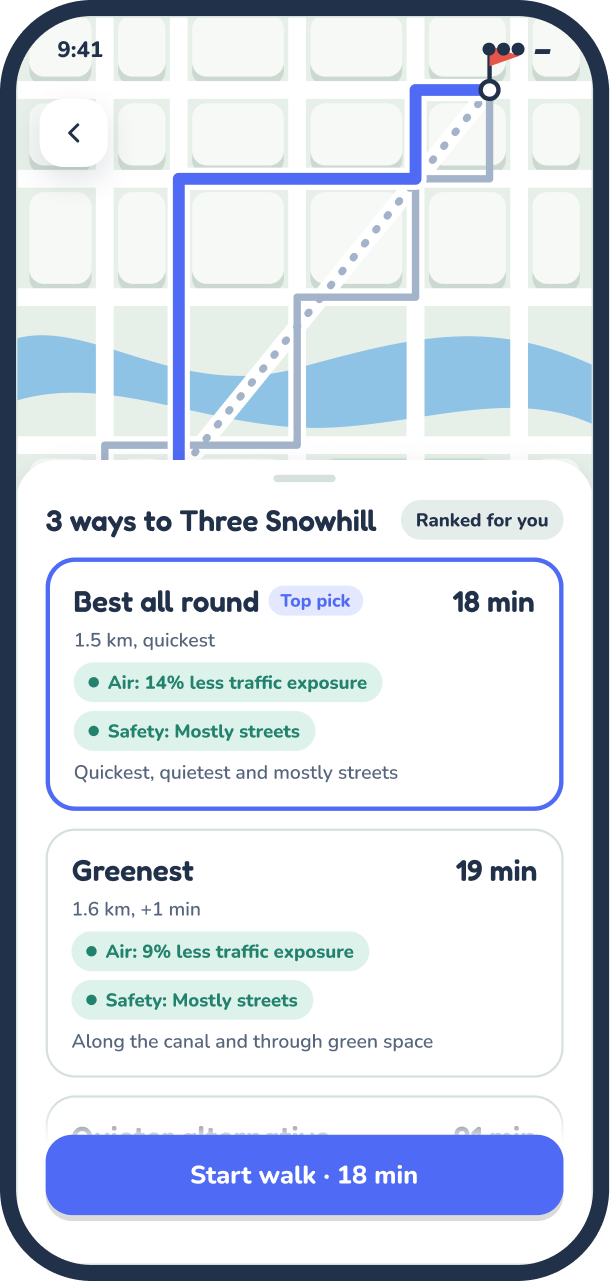

Familiar map-app patterns, tuned for walkers. No route is perfect, so OtterWay shows you the trade-off and lets you choose.
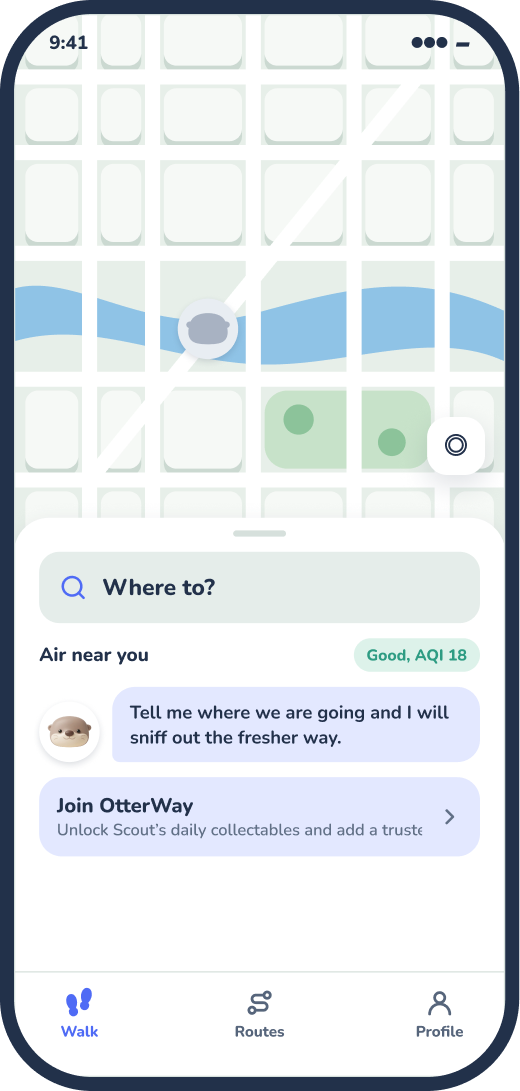
Tap “Where to?” and pick a place nearby. Scout plans the rest.
Tap “Where to?” and pick a place nearby.
Best all round, greener or quicker. Every route shows its air and safety notes.
Best all round, greener or quicker.
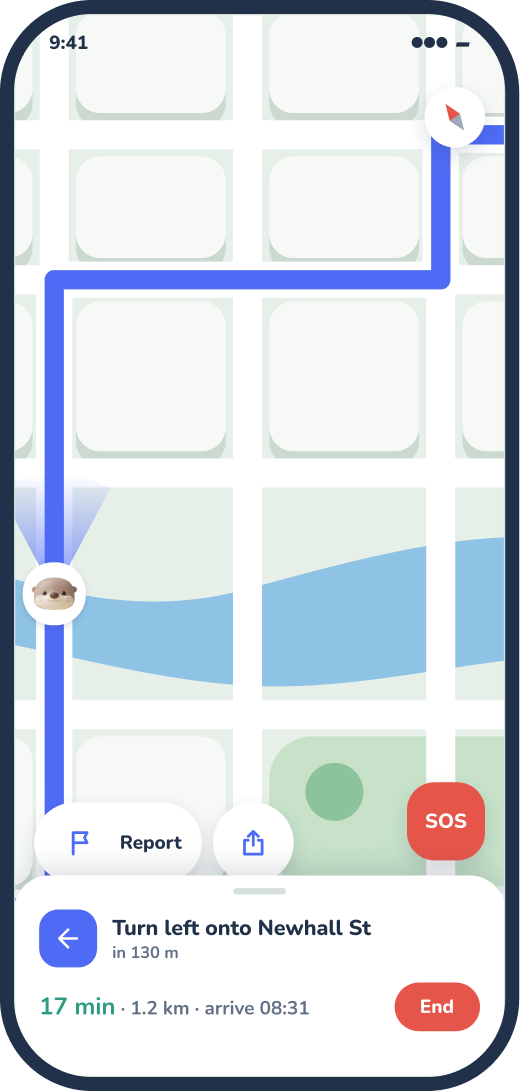
Full-screen map with your next turn, plus a quick way to report anything that feels off.
Your next turn, plus a quick way to report anything off.
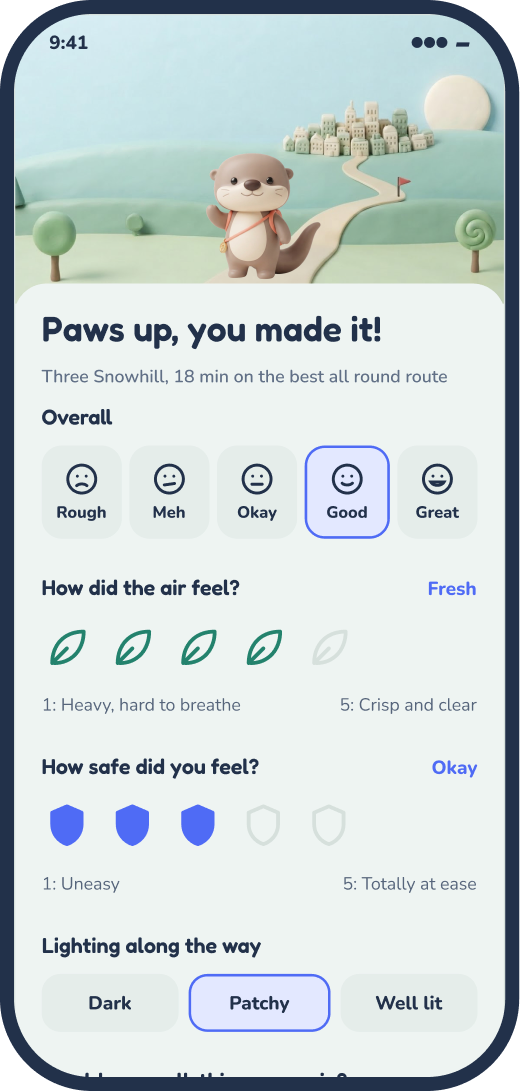
Leaves for air, shields for safety. Every rating helps the next walker.
Leaves for air, shields for safety.
OtterWay doesn’t just read a map. It learns how real walks feel, using machine learning to turn walker feedback, street lighting and air forecasts into better routes.
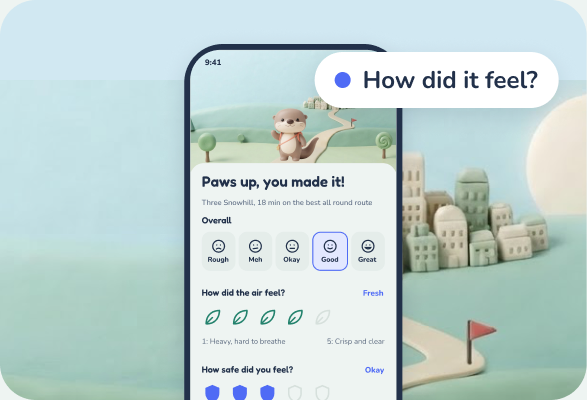
Pick a route and go. At the end, tell us how it felt: leaves for air, shields for safety.
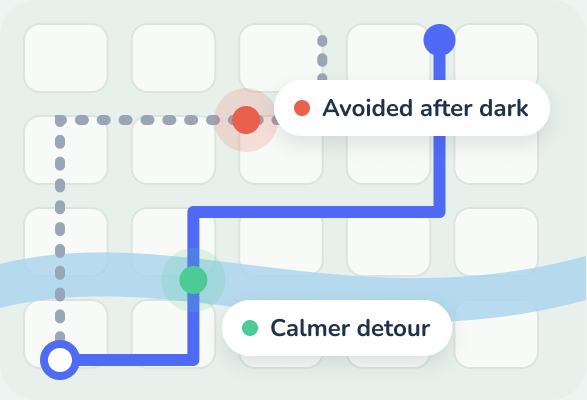
Our learning layer looks for patterns across every walk: streets people avoid after dark, detours that feel calmer, routes people come back to.
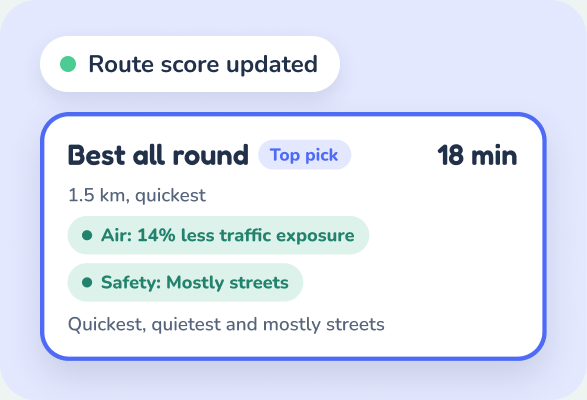
Scores update for everyone, so the next walker gets a better route. The more people walk, the sharper it gets, wherever you are.

We use location from your walks for one thing: making OtterWay’s routes and safety models better. It’s used internally to train and improve our models, and it only leaves OtterWay, anonymised, if you say yes.
Every walk gets a few options, each with a clear trade-off, so you can decide whether a couple of extra minutes is worth it today.
Favours busier, better-lit streets and avoids spots other walkers have flagged.
Steers you off the busiest roads so you breathe less traffic on the way.
The quickest walk, with its air and safety notes shown so nothing is hidden.
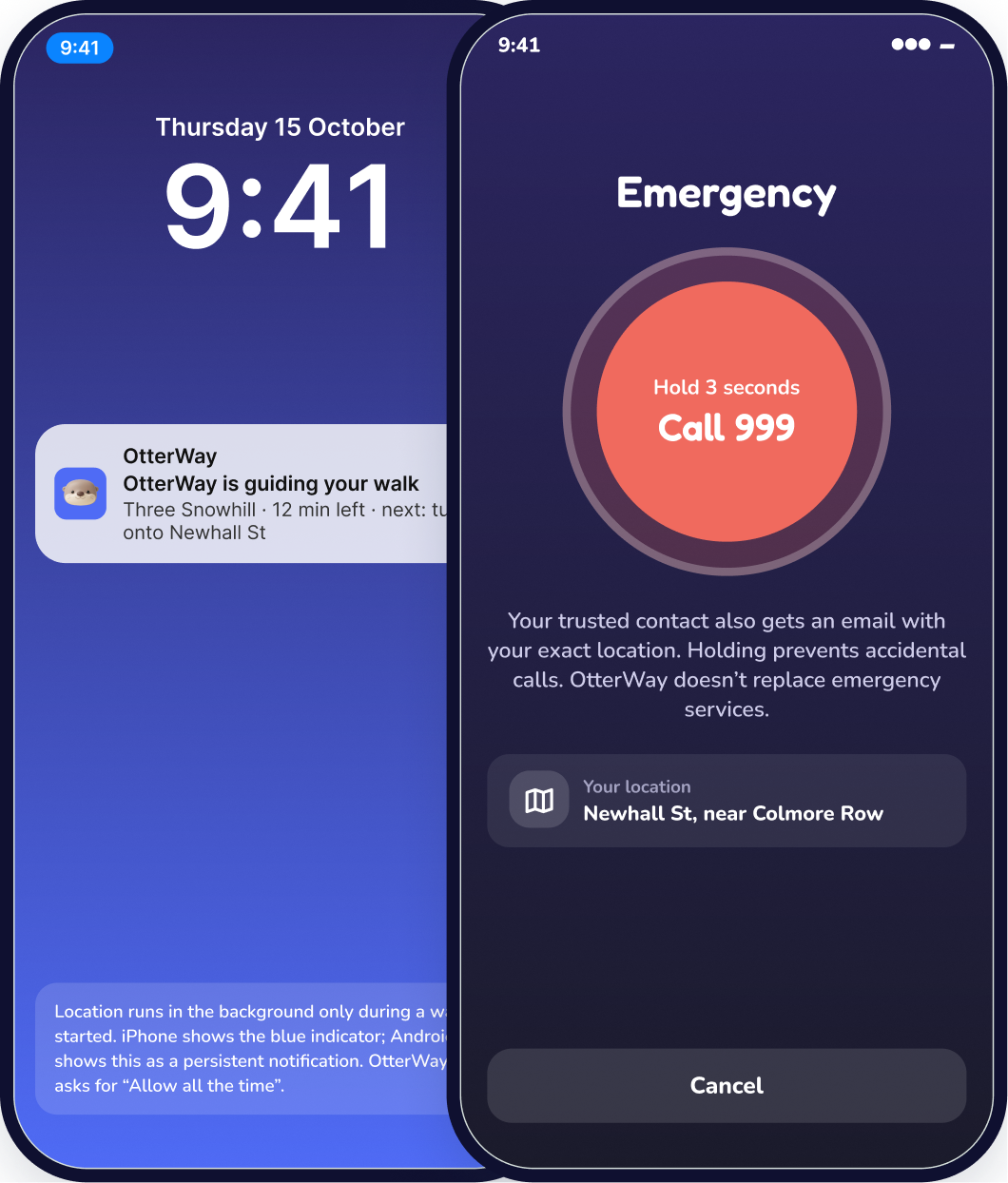
After sunset OtterWay switches to night mode and leans harder on lit, busier streets. And you never have to walk alone.
Turns on after sunset and favours well-lit streets.
Share your walk and arrival time with a trusted contact, with check-ins along the way.
A deliberate press and hold, so it never fires by accident.
Route scores are estimates to help you choose, not guarantees. If you’re in danger, call 999.
Join the beta and every walk unlocks something new for Scout. Every Pathfinder extra is free too, while we build OtterWay together.
Your first walk
Day 1
3-day streak
Streak
7-day streak in October
Seasonal
10 walks
Milestone
Bonus, bought with points
PointsPathfinder extras, free in the beta
walking today
Every new walker gets us closer.
Free on iPhone and Android. No card needed, leave any time.

I grew up in busy cities and recharge in nature. As a martial arts instructor I teach that most of staying safe is common sense. OtterWay puts that common sense in your pocket, so every walk feels a little calmer.
Suraj Soren
Founder of OtterWay
Tap Join the beta, leave your email and pick iPhone or Android. Confirm your email and we’ll send your invite link straight away: TestFlight on iPhone, Google Play on Android. It’s free, and you can leave any time.
Anywhere in the UK. Maps and routes work across the country, and safety scores get sharper wherever more people walk and rate their routes.
Yes. No card needed, and every Pathfinder extra is unlocked while the beta runs. Walking, routes, safety and SOS stay free for everyone, always. Nobody is charged unless they choose a plan after the beta, and anything you unlock stays yours.
We only use your precise location while you plan a walk or during a walk you started, and walk detection is off unless you turn it on. It’s used internally to improve OtterWay’s routes and safety models. It’s only shared beyond OtterWay, anonymised, if you agree, and advertisers never see who you are.
From walkers. Every route is shaped by feedback from people who’ve walked it, plus which streets are well lit. The more people walk and rate routes, the better it gets for everyone.
Today we use forecast data, like a weather app does. We’re working towards plugging in city monitoring networks as we grow, so the picture gets sharper over time.
OtterWay can share your walk with a trusted contact and has a hold-to-call SOS, but it doesn’t replace emergency services. If you’re in danger, call 999.
OtterWay is being built in the open. Follow along on the channel that suits you.

Build updates, pilot news and partnership chats with councils, universities and local businesses.
Follow on LinkedIn
Scout’s walking tips, new features first and the odd outfit reveal. Come say hi.
Follow on InstagramGet your invite link for iPhone or Android, try every Pathfinder extra free, and help shape the walking app you want. No card, no spam, leave any time.Get your invite link for iPhone or Android. Free, no card needed.